What's new - Whop Trends updates
Ask your AI what sells on Whop
Claude, Claude Code, ChatGPT, Cursor, and Codex can now look up any Whop product's revenue, members, and growth for you.
Ask which categories earn the most, how a rival has grown, or which apps sell on Whop.
Free to connect: add one link and sign in on the Connect your AI page. Revenue, rankings, and daily history need Pro.
Let your AI set itself up
Copy one setup prompt and paste it into Claude Code, Cursor, Codex, or another AI coding tool. Your AI adds Whop Trends and walks you through sign-in.
Find it on the Connect your AI page, the home page, and the top of Products.
Cursor and VS Code also get one-click install buttons.
Find any category in a few keystrokes
The Category filter on Products is now a search box. Type a few letters to jump to any category.
The revenue calculator's category list works the same way.
See three fast-growing products when you sign up
Your new account opens with three products growing fast on Whop right now.
Each shows members, 30-day growth, and a revenue range. Open any of them to dig in.
Jump to top earners in one tap
Quick picks like Top Earners and Fresh Launches now sit first on Products.
Every other filter opens from one Filters button, which shows how many you have on.
Compare prices the way buyers see them
A weekly plan shows as $39.99/week, not $40/mo. Yearly, daily, and one-time plans show their own period.
Price your launch against what already sells.
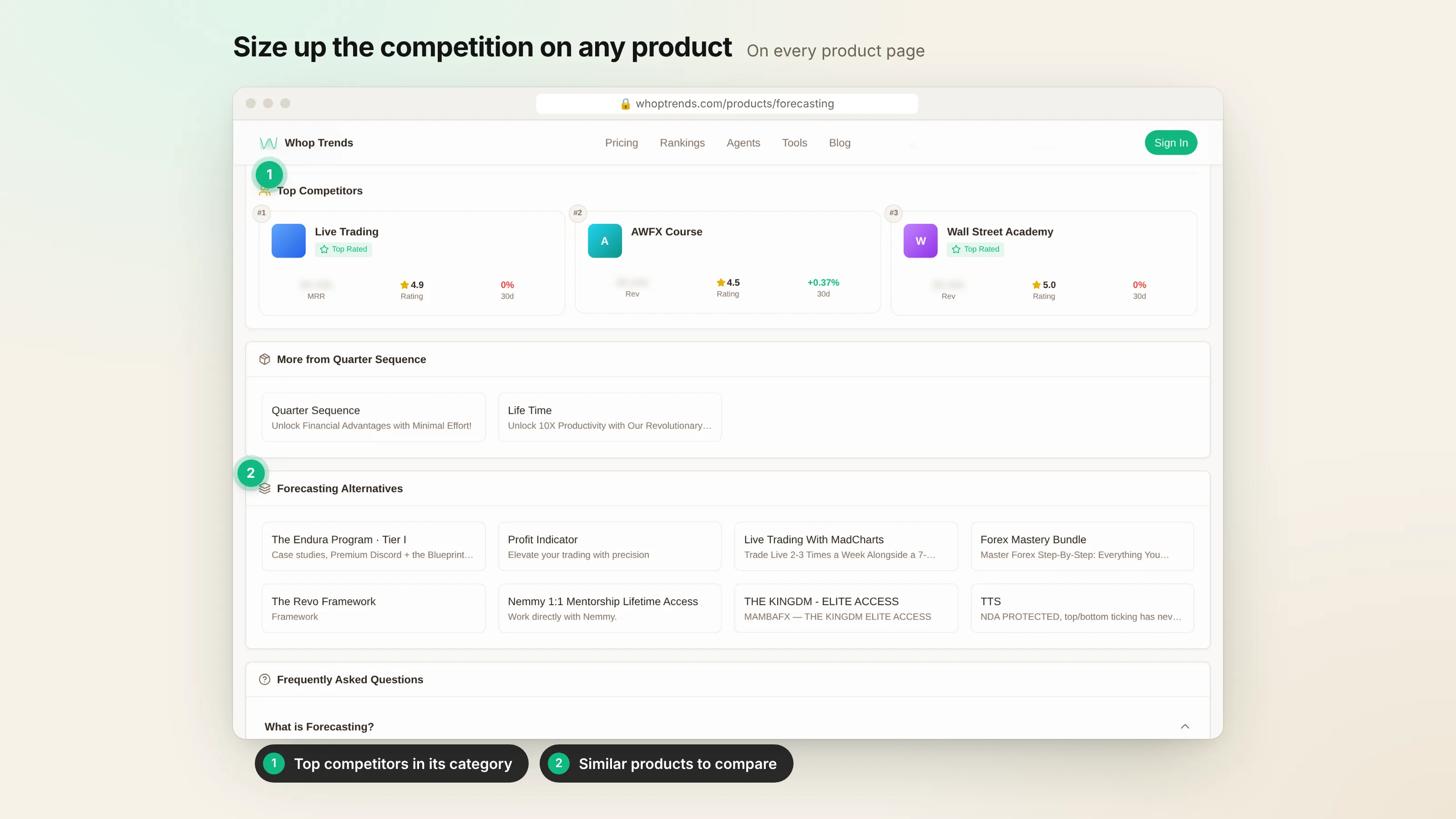
Size up the competition on any product
Each product page lists similar products in its category, just above and below it by revenue.
New guides compare Whop with Gumroad, Etsy, and Commas, so you can pick where to sell.
Read the Q3 2026 Whop market reports
New research on the blog: the Q3 2026 Whop platform report and subscription pricing benchmarks.
Two more posts size the clipping and sports betting markets on Whop.
Spot breakout launches in one click
See products under 30 days old that already make $10K+ a month.
Find what is taking off before everyone else does. Open Products and pick Breakout Launches.